
Cloud Managed WiFi
Manage Guest WiFi Across Locations From the Cloud

What Is Cloud Managed WiFi?
Cloud Managed WiFi uses a centrally hosted management platform to control WiFi services across one or multiple network locations.
With WiFi Hotspot, the cloud platform manages the Guest WiFi service layer, including authentication, users, WiFi Locations, Splash Pages, Internet Plans, campaigns and analytics.
Cloud Managed WiFi
Use WiFi Hotspot to centrally manage Guest WiFi access across one or multiple locations without maintaining the application platform at every venue.
Control authentication, Splash Pages, Internet Plans, WiFi Locations and analytics from a cloud-hosted management platform while using supported routers and access points at each site.
Cloud Managed WiFi separates Guest WiFi management from the physical location where users connect.
WiFi Hotspot provides the centralized cloud platform, while compatible routers and access points provide local network connectivity.
From the WiFi Hotspot platform, administrators can manage:
- Guest WiFi users
- WiFi Locations
- Internet Plans and access limits
- Splash Pages and login methods
- Customer Surveys
- Marketing Campaigns
- Sessions and analytics
- Authentication and RADIUS-based access
This makes it possible to operate Guest WiFi across several venues while maintaining one central management environment.
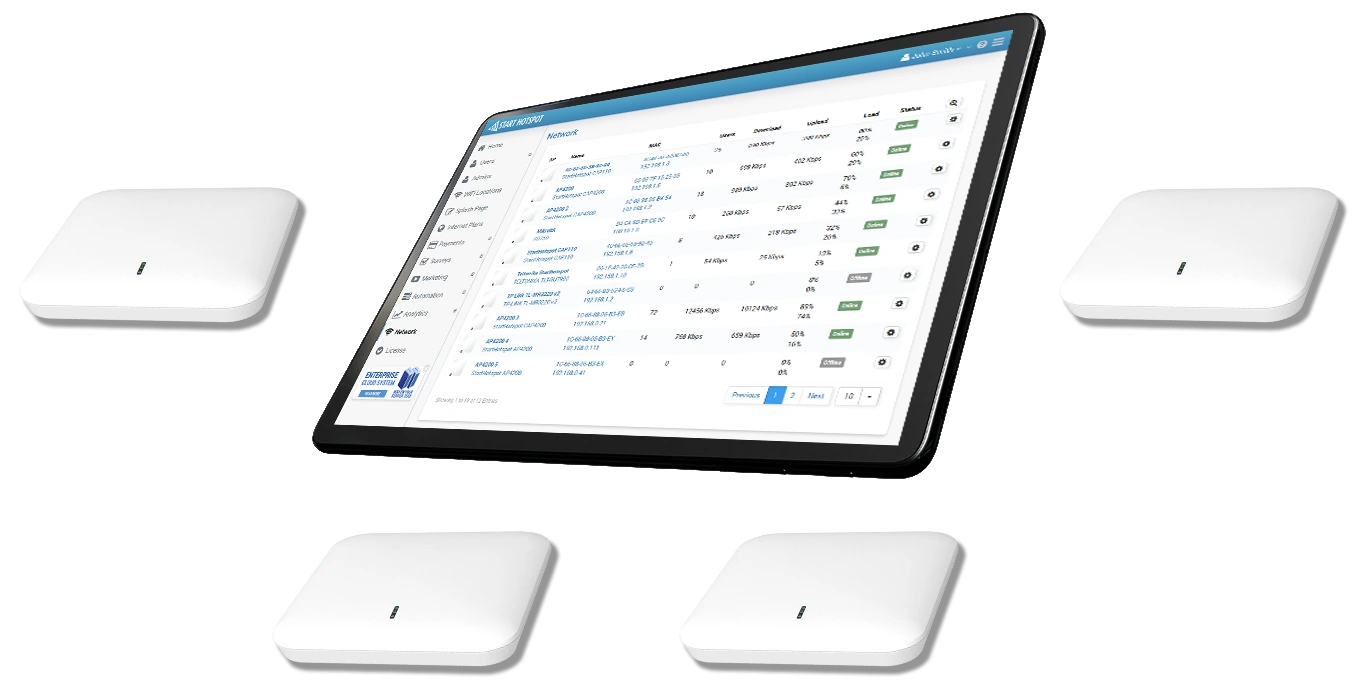
CLOUD MANAGED WIFI FEATURES
Centralized Multi-Location Management
Manage multiple Guest WiFi locations from one WiFi Hotspot platform.
Hotels, stores, restaurants and other venues can use different Splash Pages, Internet Plans and access policies while administrators maintain centralized control.
Network-level AP configuration is handled by the selected router, access point or wireless controller.
Recommended Hardware for New Deployments
For new WiFi Hotspot installations, we recommend MikroTik network hardware.
MikroTik provides a flexible platform for routing, firewall, VLAN and multi-AP network requirements while WiFi Hotspot manages Guest WiFi authentication, users, Internet Plans and Splash Pages.
HotspotOS remains available for existing compatible installations but is now a legacy solution and no further feature development is planned.
WiFi Network Roaming
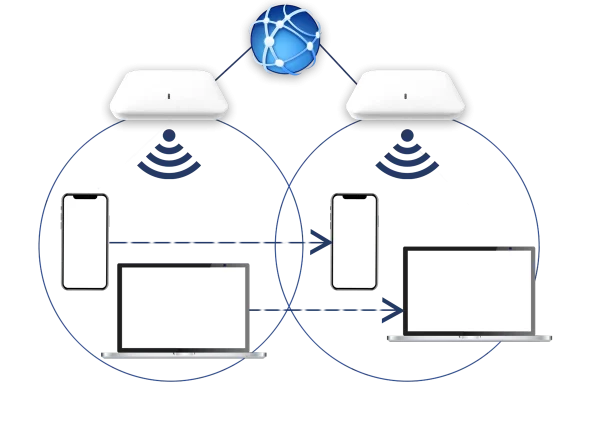
Multi-AP networks can provide a consistent WiFi experience as users move through hotels, offices, campuses and other larger venues.
Compatible network hardware can use roaming technologies such as 802.11k, 802.11r and 802.11v, while WiFi Hotspot maintains the authenticated Guest WiFi account and Internet access policy.
Actual roaming performance depends on the wireless infrastructure, configuration and client device.
Easy Deployment

Supported Network Hardware

