

TP-Link Omada and WiFi Hotspot
TP-Link Omada provides centrally managed networking for hotels, restaurants, offices, retail locations and other business WiFi environments.
WiFi Hotspot integrates with supported Omada deployments to provide Guest WiFi authentication, Splash Pages, Internet Plans, users and session management.
Omada manages the local network, access points and wireless configuration, while WiFi Hotspot manages Guest WiFi access and customer authentication.
The current integration uses an External Web Portal with RADIUS authentication and accounting through the Omada Controller.
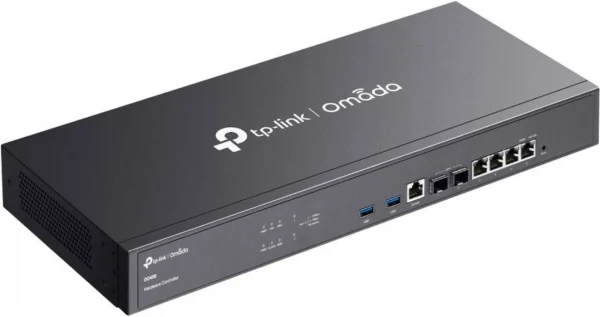
Why Use TP-Link Omada With WiFi Hotspot?
Guest WiFi Captive Portal
Connect TP-Link Omada networks to WiFi Hotspot for Guest WiFi authentication, branded Splash Pages, Internet Plans and centralized user management.Connect TP-Link Omada networks to WiFi Hotspot for Guest WiFi authentication, branded Splash Pages, Internet Plans and centralized user management.
Redirect guests to a branded WiFi Hotspot Splash Page before Internet access is granted.
Provide login options, visitor information and Internet Plans through a consistent Guest WiFi experience.
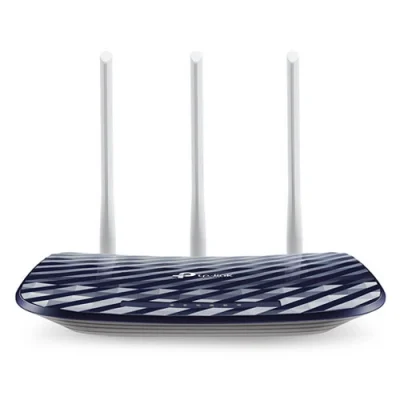
TP-LINK OMADA + WIFI HOTSPOT
RADIUS Authentication & Accounting
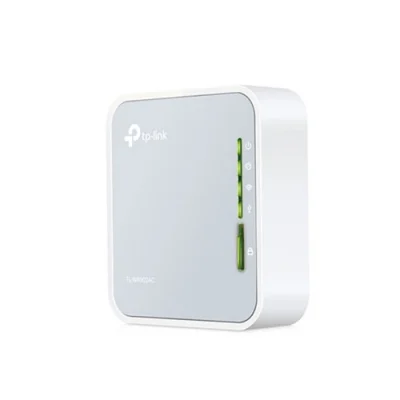
TP-Link Omada can use WiFi Hotspot as an external RADIUS service for Guest WiFi authentication and accounting.
This allows users and sessions to be managed centrally while Omada controls the local network infrastructure.
Centralized Omada Management
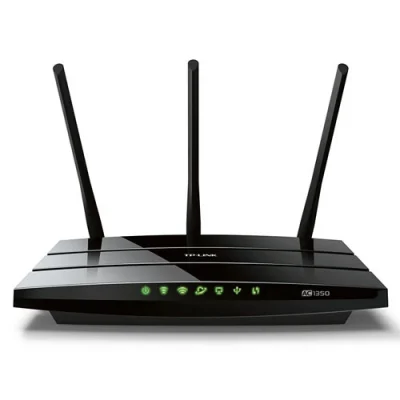
Use the Omada Controller to manage access points, wireless networks and local network configuration.
WiFi Hotspot complements the Omada infrastructure with Guest WiFi users, Splash Pages, Internet Plans and authentication.
Controlled Pre-Login Access
Omada allows pre-authentication access rules to be configured for services that guests need before completing the WiFi login.
WiFi Hotspot then handles the external Splash Page and authenticated Guest WiFi access. The current setup guide specifically configures Pre-Authentication Access together with the external portal.
TP-Link Omada Configuration
Connect the Omada Controller to WiFi Hotspot using the External Web Portal and RADIUS configuration.
The setup includes Guest WiFi portal authentication, RADIUS authentication and accounting, and pre-authentication access rules required for the captive portal.
The current WiFi Hotspot guide supports Omada Controller v5.3.1 or later and documents the required portal and RADIUS parameters.
Our Customers

