
Email marketing campaigns
Turn Guest WiFi Connections Into Customer Communication

What Is WiFi Email Marketing?
WiFi Email Marketing connects Guest WiFi customer data with email communication.
When customers provide their contact information and the required permission during the WiFi experience, businesses can use WiFi Hotspot to create and send relevant Email Campaigns.
WiFi Email Marketing
WiFi Hotspot Email Marketing helps businesses communicate with customers who have provided the required contact information and permission through the Guest WiFi experience.
Campaigns can be used to send service information, promotions, discounts, customer surveys, event announcements or other relevant content.
Email Campaigns can be sent when needed or scheduled for a specific delivery date.
For activity-based communication, WiFi Hotspot Automation can trigger predefined Email Campaigns after events such as a customer connection, disconnection, period of inactivity or birthday.
This allows businesses to combine Guest WiFi data with ongoing customer communication without manually sending every message.
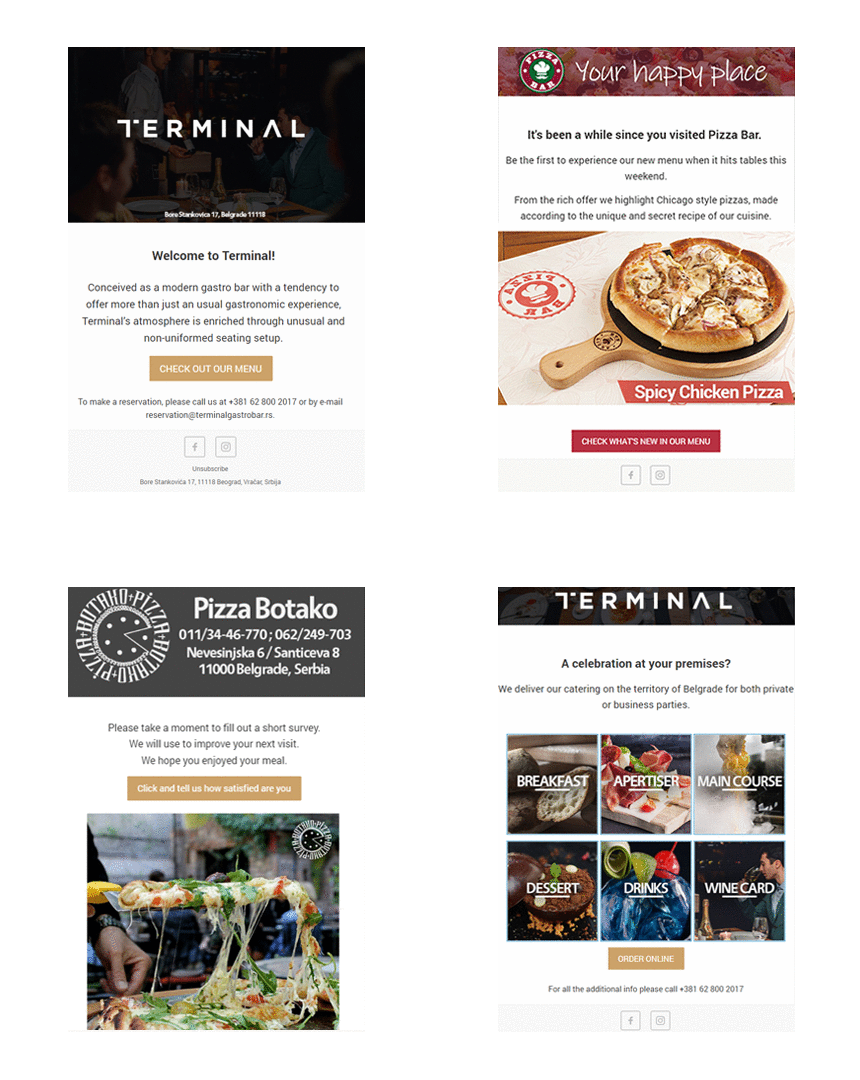
Email Campaigns
Create campaigns for all customers or target communication to users associated with a specific WiFi Location.
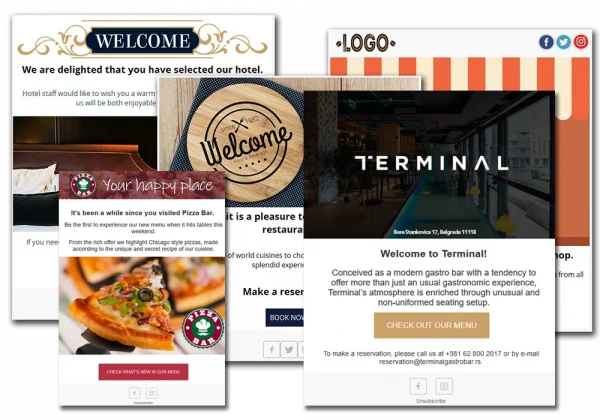
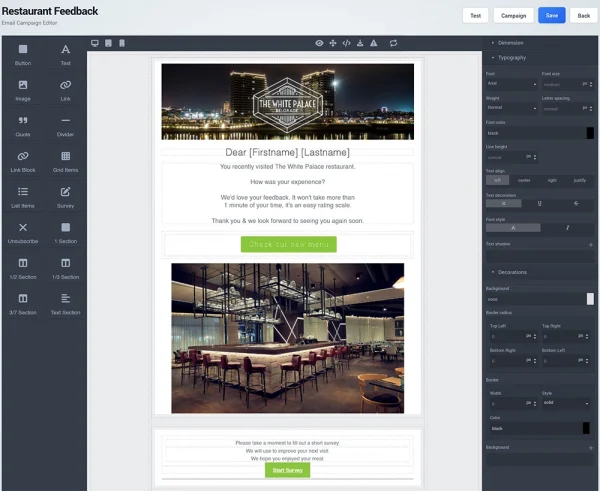
Integrated Email Editor
Build Branded Emails Without Coding
Start with a blank email or use an existing template, then customize the message with content elements such as:
- Text
- Images
- Sections
- Tables
- Links
- Customer Survey links
- Personalized images
- Unsubscribe links
Individual elements can be arranged and customized without editing HTML code.
The Personalized Image feature can combine an image with predefined customer information to create more individual communication.
Before sending a campaign, administrators can use the Test Email option to check how the message appears.
Engage Customers Before and After Their Visit
Video Ad Campaigns
Combine Email With Other WiFi Marketing Campaigns
Email is one part of the wider WiFi Hotspot marketing toolkit.
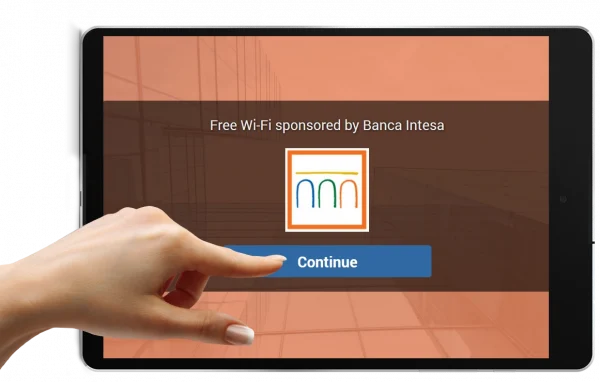
Businesses can also use image and Video Ad Campaigns during the Guest WiFi experience to promote products, services, events, discounts or partner offers.
While Email Campaigns provide communication during or after a customer visit, WiFi Ads can present promotional content while the customer is actively connecting to Guest WiFi.
Customers can then be directed to a selected promotion, landing page, offer or other destination.
This allows businesses to combine on-site Guest WiFi engagement with follow-up email communication instead of relying on a single marketing channel.
Measure Email Campaign Results
After an Email Campaign is sent, WiFi Hotspot provides a campaign summary that helps administrators review delivery and engagement. Campaign information can include:
Contact Permission and Unsubscribe
Communicate Only With Customers Who Have Given Permission
When customer contact information will be used for marketing communication, Contact Permission can be included in the Guest WiFi Splash Page.
Customers can choose whether they want to receive future informational or promotional messages.
Email templates can also include an unsubscribe component so recipients can opt out of future communication.
Using explicit contact permission and an accessible unsubscribe option helps businesses maintain a more transparent Guest WiFi marketing process.
Our Customers

