


What is Enterprise WiFi System?
A COMPLETE SELF-HOSTED PLATFORM FOR GUEST WIFI AND INTERNET ACCESS MANAGEMENT
Enterprise WiFi System is self-hosted software for organizations that require direct control of their Guest WiFi infrastructure, branding, capacity and data location.
The platform is deployed on a customer-controlled Windows Server or virtual machine. It combines a captive portal, AAA RADIUS authentication and accounting, database, administrative dashboard and central management components.
Administrators can manage multiple customers, businesses, locations, network devices and user groups from one platform while applying separate branding, permissions and Internet access policies to each deployment.
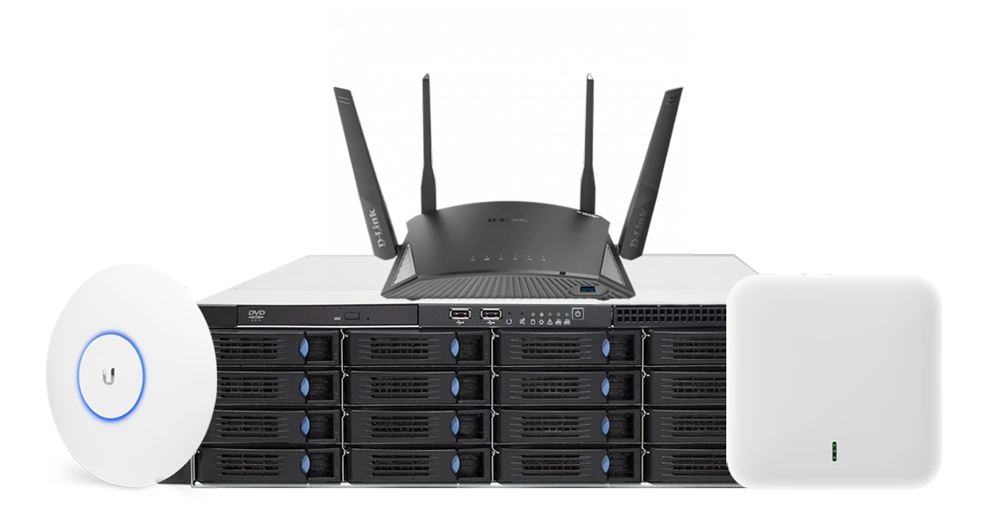
Developed and supported by industry professionals since 2006
Enterprise WiFi for Businesses and ISPs
OPERATE YOUR OWN WIFI MANAGEMENT PLATFORM
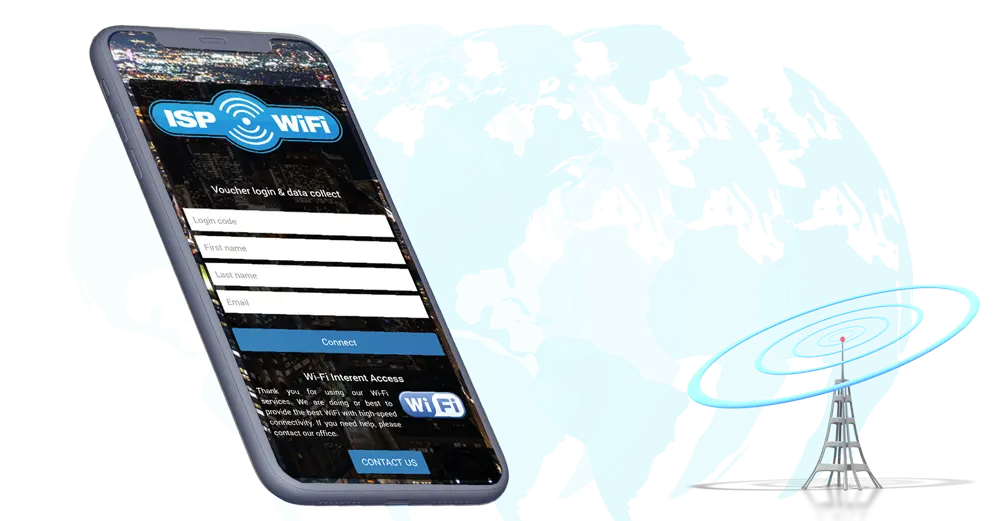
Deploy a complete Guest WiFi platform inside infrastructure controlled by your business or ISP.
Manage customer accounts, locations, captive portals, Internet plans, user access, payments and network activity without relying on a shared hosted application.
Each customer or business can receive separate branding, administrators, access rules and reports while your central team retains system-wide control.
Multiple Customers and Locations
Manage separate organizations, sites and network devices through one administrative platform
Delegated Administration
Assign appropriate access to system administrators, customer managers, billing staff, reception teams and location administrators.
Expandable Infrastructure
Increase server resources, licensing and system capacity as the number of customers and network devices grows.
White-Label WiFi Platform for Resellers and Integrators
PROVIDE GUEST WIFI SERVICES UNDER YOUR OWN BRAND
Enterprise WiFi System gives resellers, value-added resellers and system integrators a central platform for delivering managed Guest WiFi services to multiple customers.
Apply your company identity to the administrative portal, customer-facing captive portals and supported system components. Create separate customer accounts, license allocations, locations, administrator roles and preconfigured service templates.
New customers can be onboarded without deploying a separate management platform for every project.
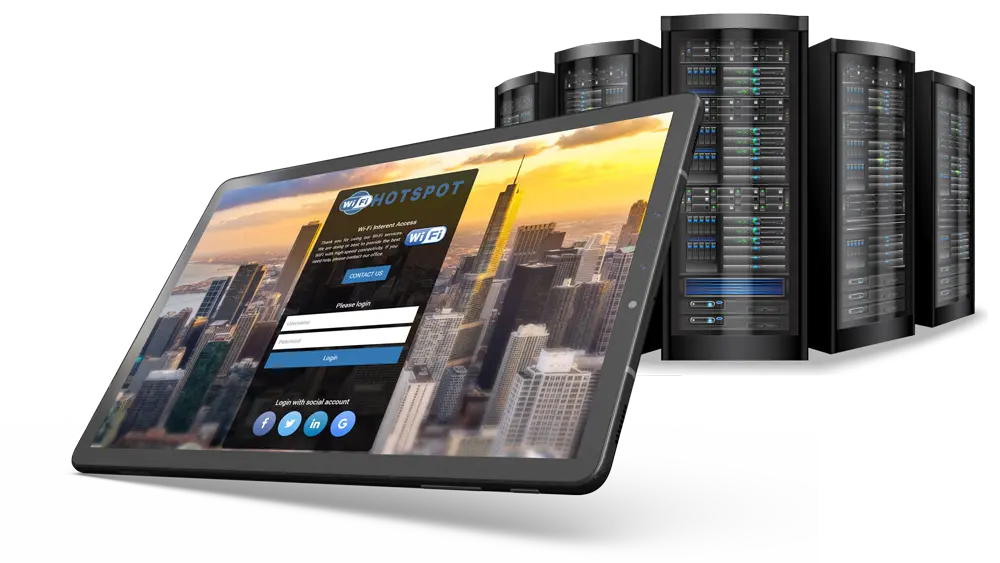
White-Label Branding
Use your company name, domain, logos and visual identity throughout the customer experience.
Customer Account Hierarchy
Separate system administrators, customer administrators, billing staff, front-desk users and location managers.
Central License Control
Assign the required capacity and access permissions to each managed customer.
Enterprise WiFi for Hotels and Hotel Groups
CENTRALIZED GUEST WIFI AND HSIA MANAGEMENT ACROSS MULTIPLE PROPERTIES
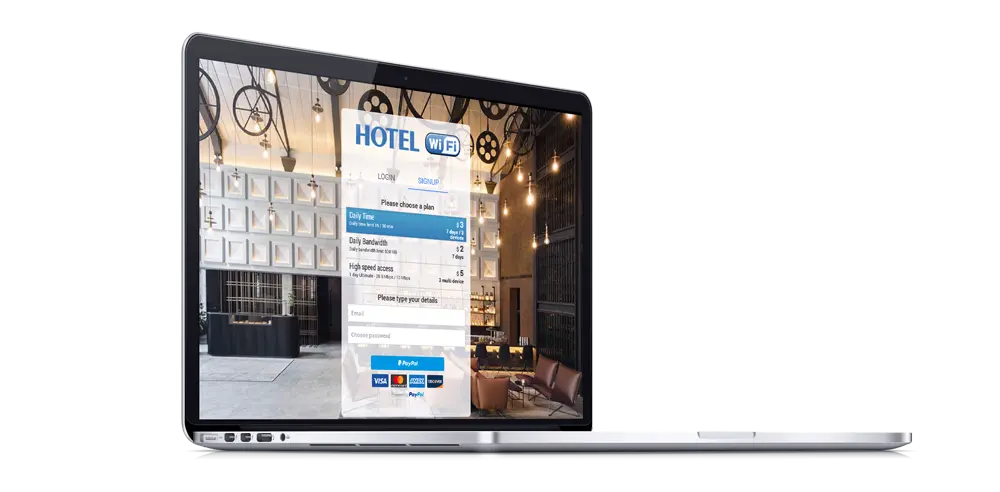
Deploy Enterprise WiFi System for a single hotel, resort or multi-property hospitality group.
Create branded captive portals, integrate supported hotel PMS platforms and provide guest access through room credentials, user accounts, vouchers, OTP or other configured login methods.
Central management helps hotel groups apply common policies while allowing each property to use its own branding, access plans, administrators and reports.
Hotel PMS Authentication
Authenticate guests using supported PMS integrations and property-defined credentials.
Multi-Property Management
Manage hotels, resorts, conference areas and public networks through one central system.
Guest Feedback and Promotions
Collect surveys and present relevant hotel services, information and campaigns during the WiFi journey.
Enterprise WiFi for Organizations and Government
KEEP THE CORE PLATFORM WITHIN INFRASTRUCTURE YOU CONTROL
Deploy the Enterprise WiFi System application and database inside your organization’s data center, private cloud or dedicated virtual environment.
Your IT team can apply existing access-control, backup, monitoring, retention and security procedures to the WiFi management infrastructure.
This deployment model is suitable for organizations that require direct control of application hosting, administrative access and the location of core Guest WiFi data.
Important note:
External services such as payment gateways, SMS providers, social login platforms, email delivery systems or third-party integrations may exchange data according to their individual configuration.
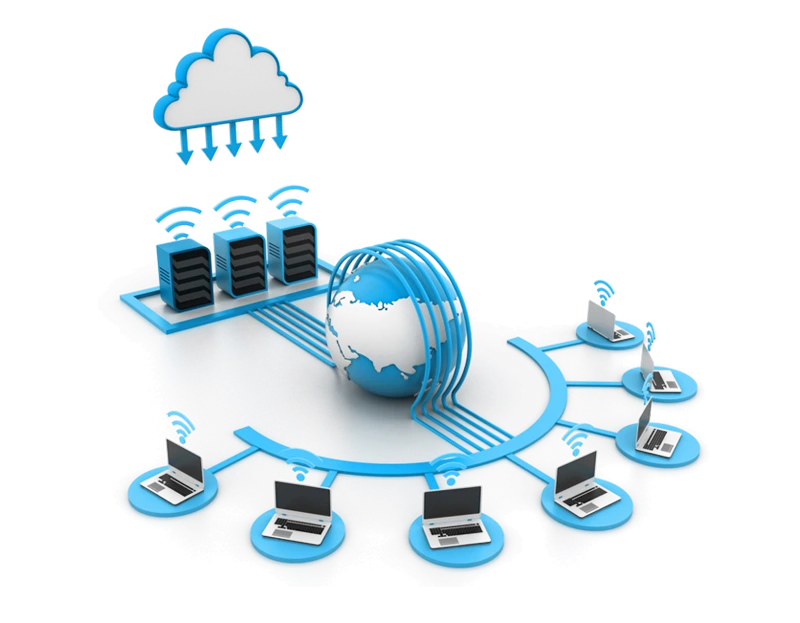
What Is Included in Enterprise WiFi System?
• Captive portal and splash page management
• AAA RADIUS authentication and accounting
• Central administrative dashboard
• Database and session records
• Users, vouchers and Internet plans
• Multi-customer and multi-location hierarchy
• Administrator roles and permissions
• Statistics, reports and data export
• Surveys and guest engagement tools
• White-label branding
• Annual platform maintenance and updates
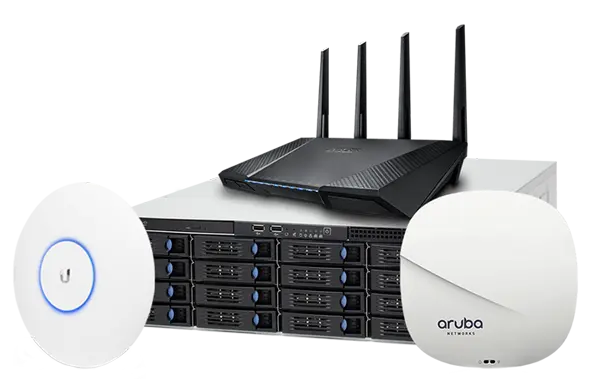
Manage customers, locations, administrators, users, Internet plans and network integrations through one administrative platform.
Apply separate access permissions and policies while maintaining centralized system-level control.
Add customers, locations, routers and access points as the deployment expands.
Increase server resources, licensing and system architecture according to the number of devices, concurrent users, reports and retained data.
Apply your company identity to customer portals, captive portals and supported platform components.
Create separate branding and service configurations for individual customers while operating the infrastructure centrally.
Central WiFi Management and Authentication
Enterprise WiFi System centralizes captive portal settings, user accounts, vouchers, Internet plans, RADIUS authentication, session accounting, payments and reporting.
For compatible HotspotOS devices, the optional virtual controller can provide device-level monitoring and remote configuration. Third-party routers, access points and controllers connect through their supported captive portal, RADIUS or API integration methods.
The exact device-management capabilities depend on the hardware model, firmware and available integration.
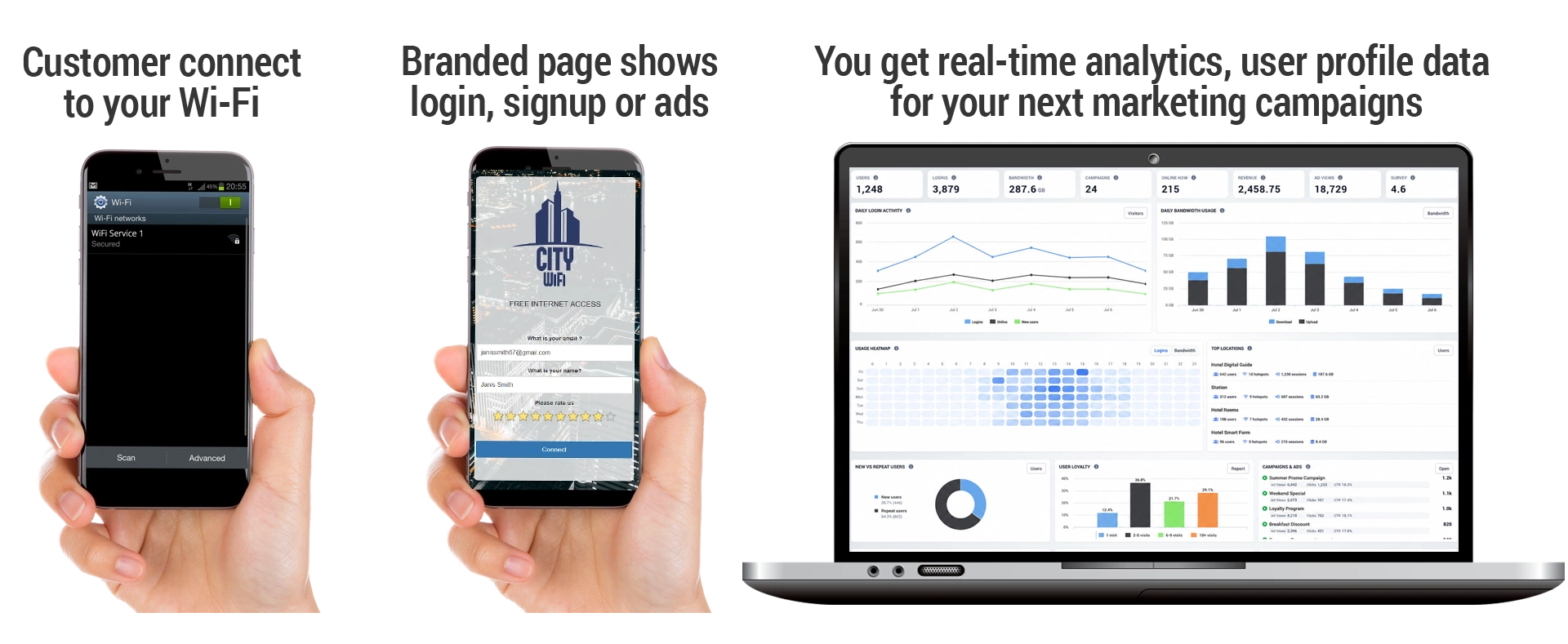
Administrators can review users, sessions, visits, data usage, survey results and campaign performance across customers and locations.
Reports and integrations can be used to support operational analysis, customer service, billing and approved marketing activities.
Enterprise WiFi Features
• WiFi Management
• Manage bandwidth, download and upload
• Roaming
• Autologin
• Multi-login
• Verification via SMS and Email
• Video Ads before login
• E-Mail marketing
• Accept credit cards
• Social login authentication
• Splash pages with multiple login methods
• URL redirects to URL, page or profile
• Contact permissions (GDPR)
• Email Campaigns with scheduled sending
• Mobile payments
• Send SMS
• Promote brands
• Targeted video campaigns by age / gender
• Surveys for splash pages and Emails
• Multilanguage with autotranslation
• User level limits
• Web Filtering
• Automation and API
• Custom multilanguage terms of use
• Define price for time usage
• 50 major Internet Payment gateways
• Secure automated payment process
• Aggregated Reports
• Technology Reports
• Network Usage Reports
• User Reports
• Visit Reports
• Session Logs
• Data export via CSV and PDF
• Identify customers based on devices details
• Webhooks – deliver data to other applications
• Survey
• Reviews on TripAdvisor
• Welcome Email
• Limit Internet access speeds
• Remind a customer
• Hotel PMS Integration
• Campaign reports
• NPS surveys
• Integrate with a CRM
How Enterprise WiFi System Works
Enterprise WiFi System will be installed on a Windows Server or virtual machine controlled by your organization.
Configure supported routers, access points or WiFi controllers to communicate with the captive portal and AAA RADIUS services.
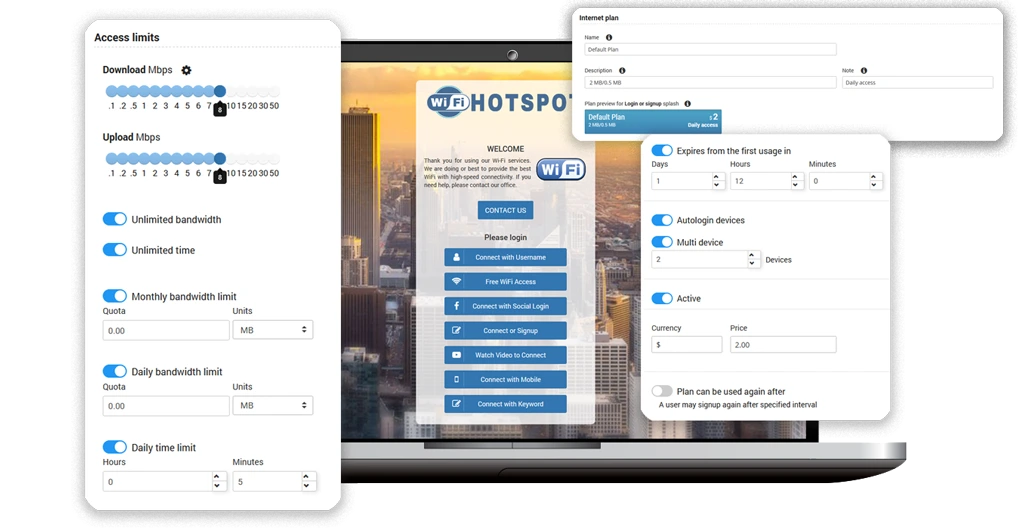
Create branded splash pages, login methods, Internet plans, user limits, payment options and access policies.
When a guest joins the network, the device is redirected to the captive portal. After successful authentication, the configured speed, time, traffic and device limits are applied.
Administrators can monitor active sessions, accounting data, connected devices and usage reports through the central dashboard.
Each customer or location can use separate branding and access settings while remaining part of the same Enterprise WiFi deployment.
Guest WiFi Login and Access Methods
Configure one or several access methods on each captive portal according to the business, location and Guest WiFi service model.
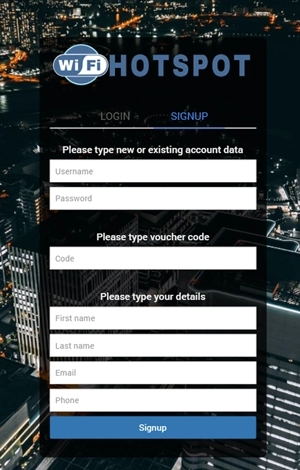
Voucher Access
Provide prepaid or complimentary access codes with configurable Internet plans, expiration, time, speed and data limits
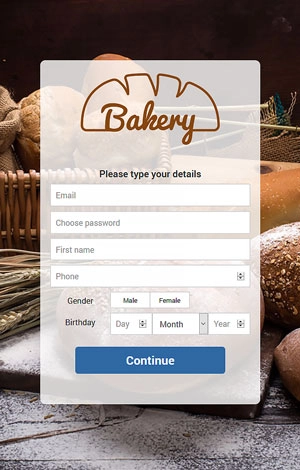
Promotions During Login
Display offers, coupons, image campaigns or other relevant information as part of the Guest WiFi login journey
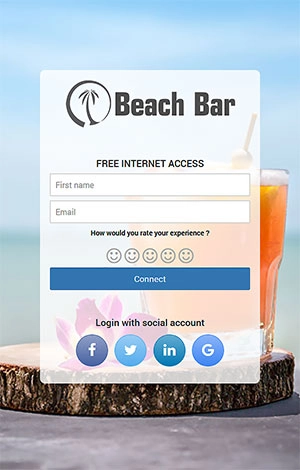
Free Guest Access
Allow immediate Internet access or request selected guest details, terms acceptance or survey responses before connection
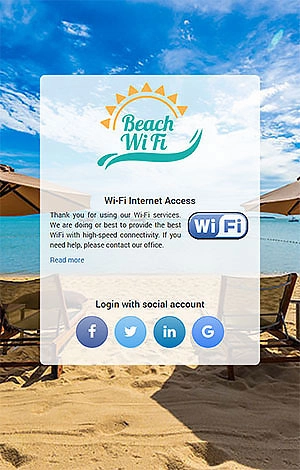
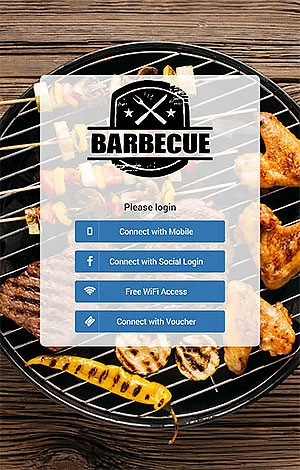
Social Login
Allow guests to authenticate through a supported social platform and request the available profile details and contact permission
Multiple Login Methods
Combine free access, vouchers, user accounts, OTP, payment and other authentication methods on one captive portal.
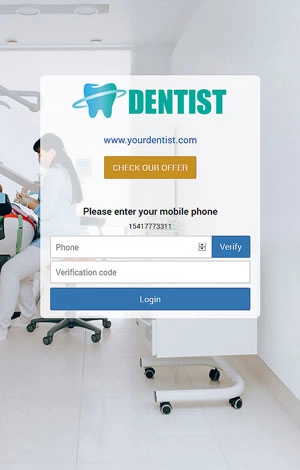
SMS and OTP Verification
Verify a mobile number by sending a one-time code through a configured SMS provider before Internet access is granted.
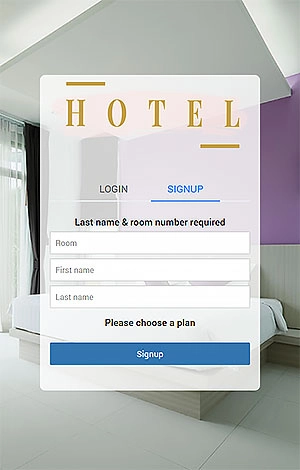
Hotel PMS Login
Authenticate hotel guests through a supported PMS integration using room and guest information defined by the property
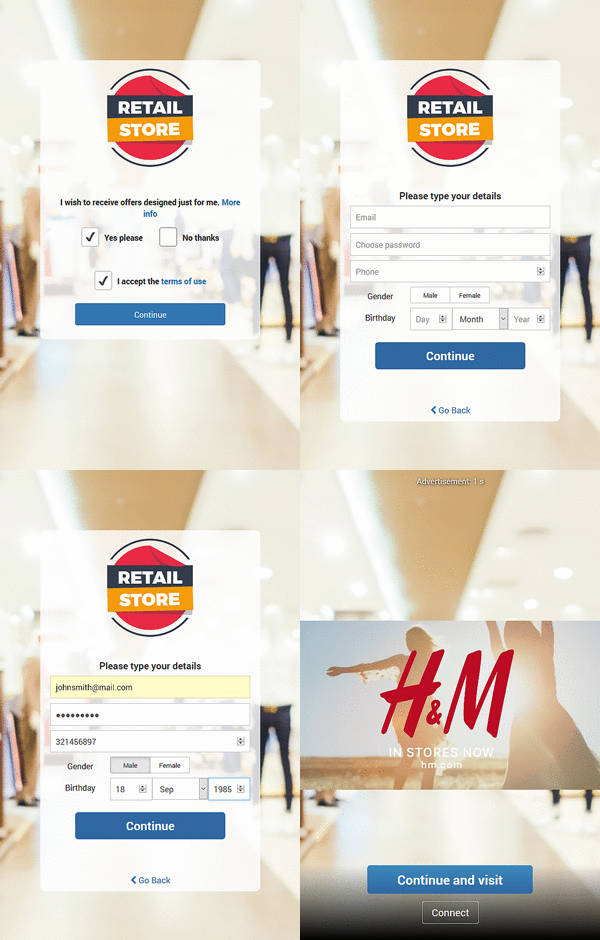
Video Campaigns
Display a video before access or as part of the login process, with configurable campaign schedules and targeting options

Contact Permission
Request clear permission for selected communication channels and store the guest’s choice with the collected account details
Free and Paid Access
Combine limited complimentary access with paid Internet plans based on time, speed, traffic quota or validity period.
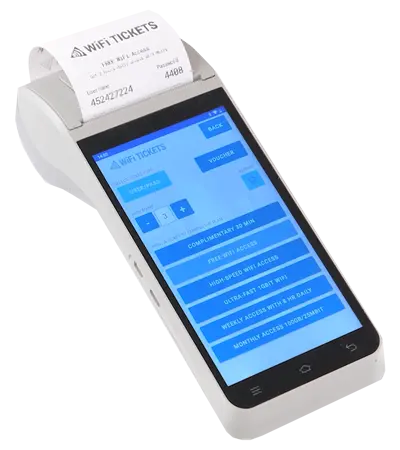
WiFi Tickets App
WiFi Tickets App helps you print tickets for your guests, visitors, and users to connect to your WiFi network.
Easily create multiple tickets in one go or reprint the last ticket if you are providing multi-device or family access.
Hotels and airports may easily scan passport and create a ticket.
WiFi Tickets App is available for selected Android printers and Android phones.
Frequently Asked Questions About Enterprise WiFi System
Enterprise WiFi System is a self-hosted platform for managing captive portals, Guest WiFi authentication, Internet access policies, users, locations and reports. It is deployed on a Windows Server or virtual machine controlled by the customer.
The platform includes captive portal services, AAA RADIUS authentication and accounting, database, administrative dashboard, customer and location management, reporting and integration components.
Yes. Enterprise WiFi System can be installed on a suitable Windows virtual machine in a private or dedicated cloud environment controlled by the customer.
Yes. One deployment can manage multiple customers, businesses and locations with separate branding, administrators, access policies, Internet plans and reports.
Yes. AAA RADIUS authentication and accounting services are included as part of the Enterprise WiFi System deployment.
The system supports compatible routers, access points and controllers from multiple vendors. The exact model, firmware and integration method should be verified before deployment.
Yes. White-label options can apply your company identity to the administration portal, captive portals and supported system components.
Server requirements depend on the number of network devices, concurrent users, authentication traffic, retained session data, reports and enabled integrations. The required architecture is determined before deployment.
The central application and database are installed inside infrastructure controlled by the customer. External integrations may exchange data with third-party services according to the selected configuration.
WiFi Hotspot is a hosted service where the central platform is maintained for the customer. Enterprise WiFi System is self-hosted on the customer’s Windows Server or virtual machine and provides direct control of the application infrastructure and core database.