
INSTANT NOTIFICATION SYSTEM
Display Important Information Through Guest WiFi

What Is a Guest WiFi Notification System?
A Guest WiFi notification system uses the captive portal or Splash Page to provide relevant information to visitors when they connect to a WiFi network.
With WiFi Hotspot, businesses can combine the login experience with articles, images, links, notices, Terms of Use and other informational content.
Instant Notification System
Use your Guest WiFi Splash Page as a direct communication channel for visitors.
Display service updates, important notices, venue information, event details, local guidance or other relevant messages when guests connect to WiFi.
Use your Guest WiFi Splash Page as a direct communication channel for visitors.
Display service updates, important notices, venue information, event details, local guidance or other relevant messages when guests connect to WiFi.
Use it to communicate:
- Service announcements
- Temporary network or facility notices
- Opening hours and schedule changes
- Event information
- Venue rules and instructions
- Maintenance notifications
- Local or tourist information
- Links to additional resources
- Customer support information
Messages can be updated centrally without modifying the wireless network configuration.
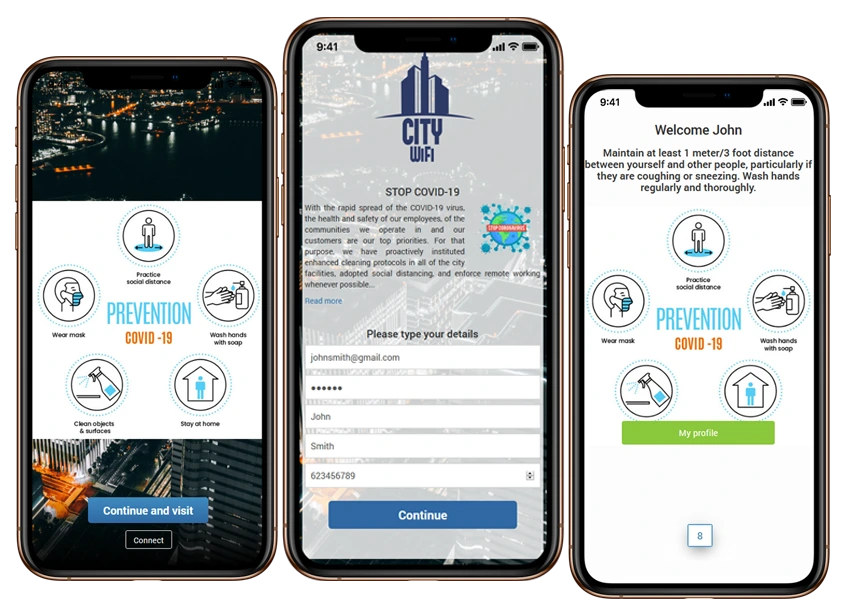
Show Important Messages Before Guests Go Online
Make the Splash Page More Than a Login Screen
The Splash Page is one of the first digital touchpoints a guest sees after connecting to your WiFi network. Use that moment to display information that is relevant to the visitor or location.
A hotel can provide check-in information or announce temporary changes to available services.
A restaurant can display opening hours, special events or service notices.
A hospital can provide visitor instructions.
A campus, airport or public venue can direct visitors to relevant information, services or assistance.
After reviewing the message and completing the configured login process, the guest can continue online.
Add Information Directly to the Splash Page
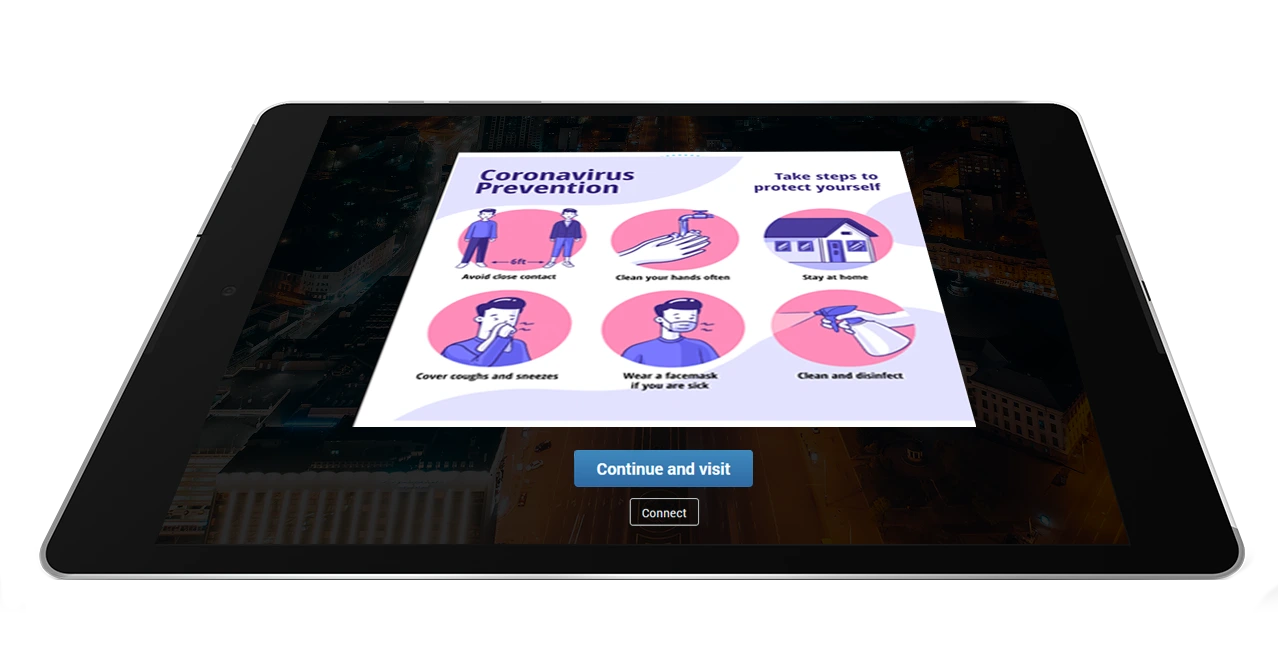
WiFi Hotspot provides multiple elements that can be used to build informational content directly into a Splash Page.
Administrators can add:
- Articles for longer announcements or instructions
- Images for visual information and notices
- Buttons that direct visitors to important resources
- Links to external information pages
- HTML elements for additional custom content
This makes it possible to adapt the Guest WiFi experience without creating a separate website for every announcement.
The current Splash Page editor supports Button, Image, Article, Link and custom HTML elements.
Guest WiFi Notification Features
Terms, Notices and Required Information
Add Information That Requires Guest Confirmation
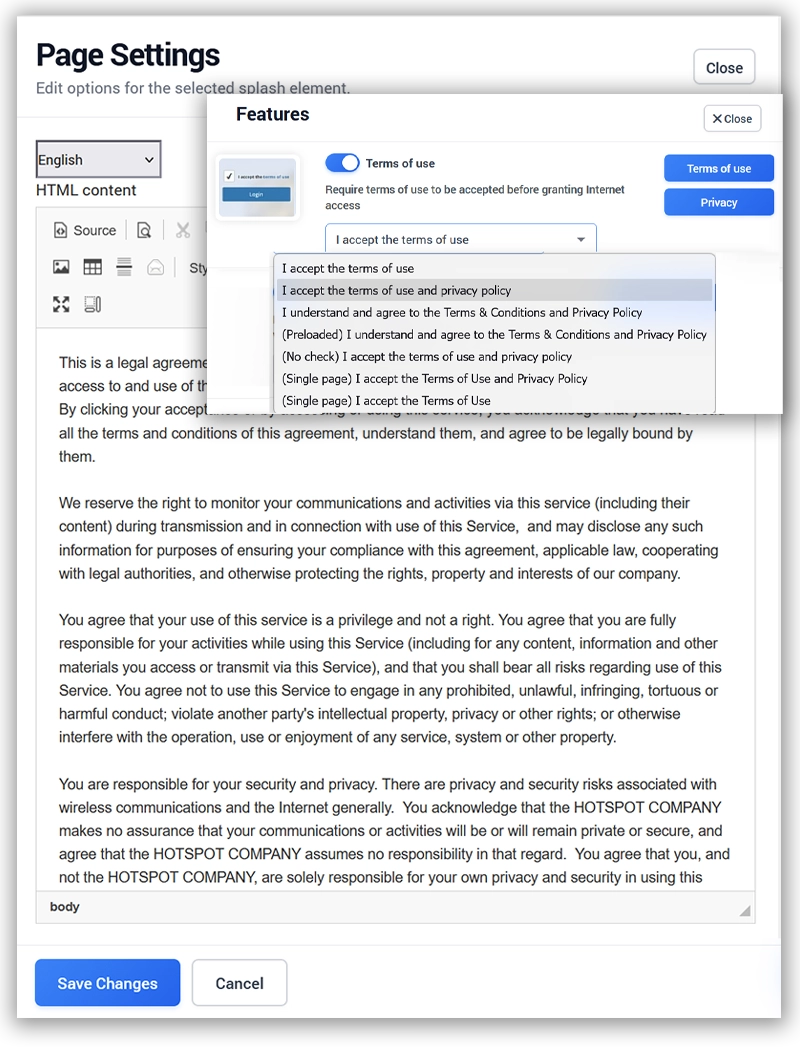
When visitors need to review and acknowledge specific terms before connecting, the Splash Page can include a Terms of Use feature.
Administrators can enter custom Terms of Use content and require the guest to accept it as part of the Guest WiFi process.
This can be useful for:
- Guest WiFi usage policies
- Venue-specific access conditions
- Service terms
- Age or eligibility confirmations
- Other information requiring acknowledgement
Terms of Use should be configured according to the legal and operational requirements of the organization.
Send SMS Notifications to Opted-In Guests
Extend Communication Beyond the Splash Page
When a guest provides a phone number and gives the required Contact Permission, WiFi Hotspot can also be used to send SMS campaigns and notifications.
SMS communication can be targeted to customers from a selected WiFi Location and scheduled for a selected delivery date.
This can be useful for follow-up information, service announcements or other customer communication where SMS is appropriate.
WiFi Hotspot currently supports SMS campaigns through configured gateways and requires contact permission for this type of communication.
Use Notifications Across Different Industries
WiFi Hotspot combines subscriber management, Internet billing, authentication, payment processing and analytics in one centralized platform. Every feature is designed to reduce operational costs while giving providers complete control over customer accounts, Internet plans and network usage.
How Guest WiFi Notifications Work
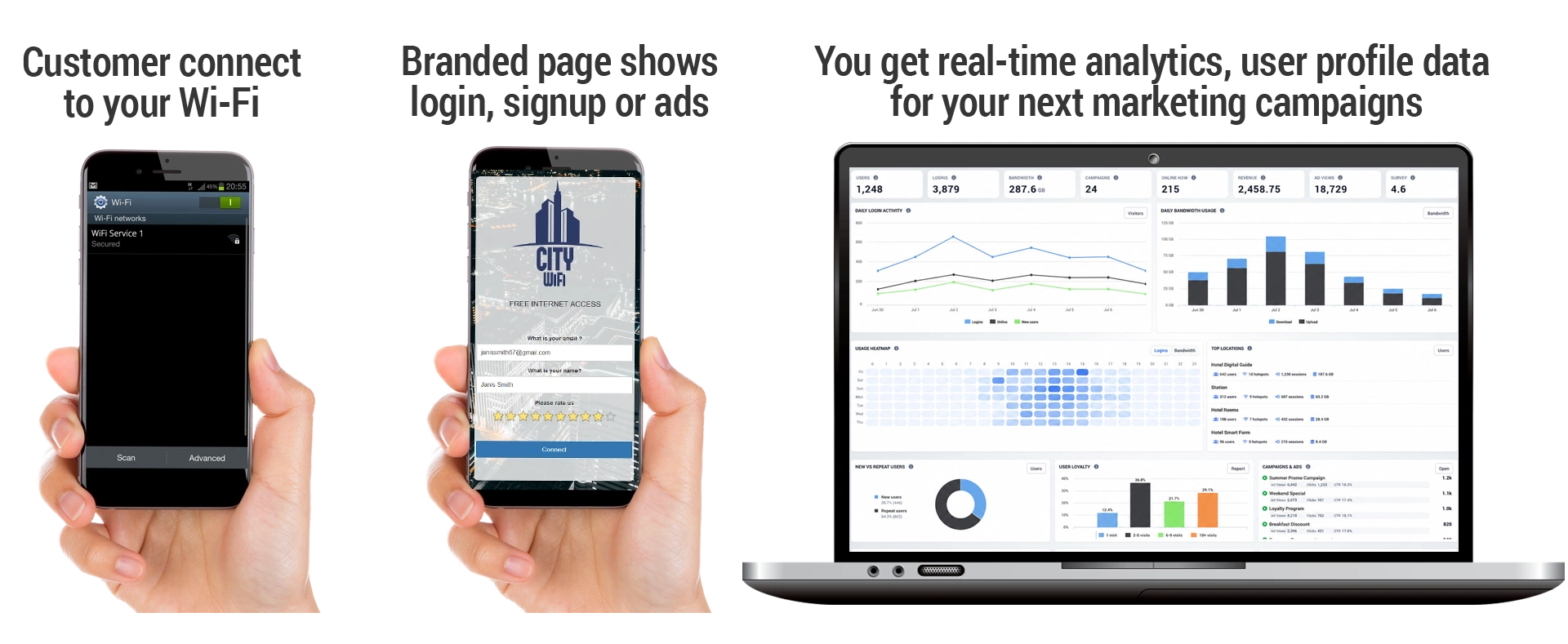
- Create or edit the Splash Page for the selected WiFi Location.
- Add the information you want visitors to see using text, Article, Image, Button, Link or other available elements.
- Publish the updated Splash Page.
- Guests see the current information when they connect to Guest WiFi.
- If additional follow-up is required and contact permission exists, Email or SMS communication can be used separately.
Guest WiFi Communication, Not an Emergency Alert System
WiFi Hotspot notifications are designed for Guest WiFi communication.
Information displayed on a Splash Page is seen when a guest connects or interacts with the Guest WiFi experience.
SMS communication depends on the configured SMS service, available contact information and user permission.
For critical public-safety or emergency-alert requirements, organizations should continue to use the dedicated alert systems required by their local procedures and regulations.
Our Customers

