

Ubiquiti UniFi and WiFi Hotspot
Connect supported Ubiquiti UniFi networks to WiFi Hotspot for Guest WiFi authentication, branded Splash Pages, Internet Plans and centralized user management.
Ubiquiti UniFi provides centrally managed wireless networking for hotels, restaurants, offices, public venues and other business environments.
UniFi manages the local wireless network and access points, while WiFi Hotspot manages guest access and customer interaction.
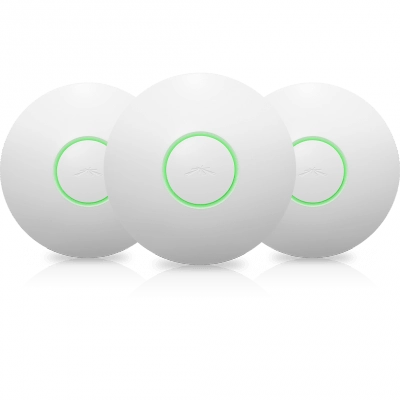
Why Use Ubiquiti UniFi With WiFi Hotspot?
Guest WiFi Captive Portal
Direct guests to a branded WiFi Hotspot Splash Page where they can authenticate before receiving Internet access.
Use the Splash Page to provide login options, visitor information and a consistent branded Guest WiFi experience.
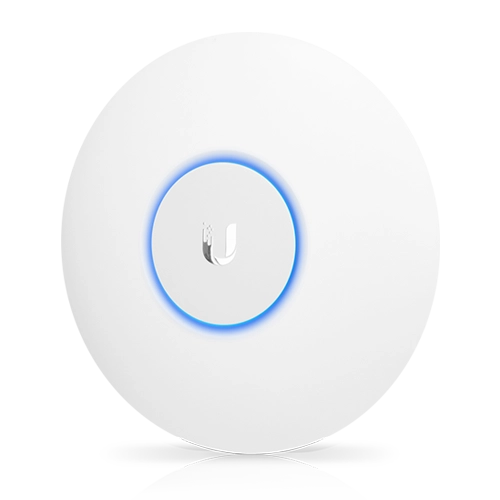
UBIQUITI + WIFI HOTSPOT
RADIUS
Authentication
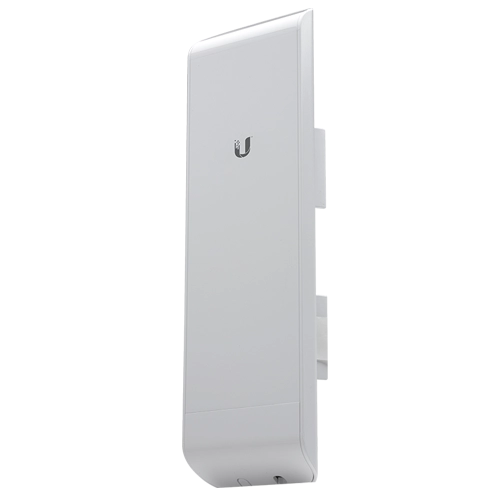
Supported UniFi configurations can use RADIUS as part of the Guest WiFi authentication process.
WiFi Hotspot provides centralized authentication and user management while UniFi controls access to the local network. UniFi supports both RADIUS authentication and accounting capabilities.
Centralized Wireless Management
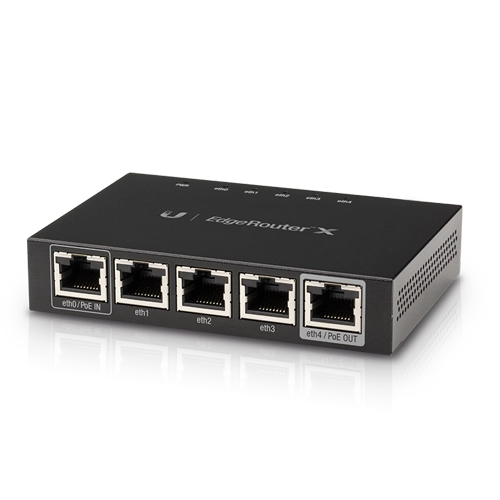
Use UniFi to manage access points, SSIDs, wireless settings and local network configuration.
WiFi Hotspot complements the network infrastructure with centralized Guest WiFi users, Splash Pages, Internet Plans and session information.
Guest Network Segmentation
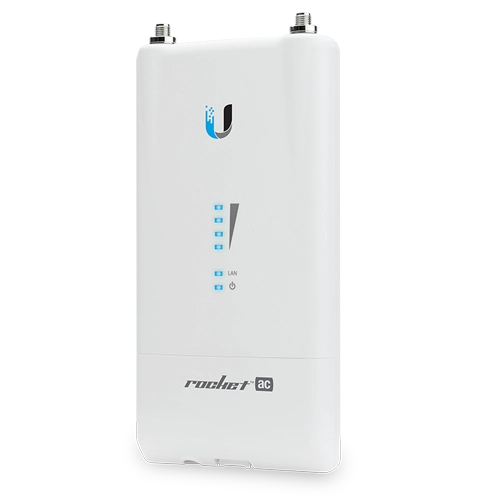
UniFi networks can separate Guest WiFi from internal business networks using dedicated networks or VLANs and client isolation controls.
Combine this network separation with WiFi Hotspot authentication to provide controlled visitor Internet access.
Check UniFi Compatibility Before Deployment
WiFi Hotspot integration depends on the UniFi controller, software version and selected Guest WiFi configuration.
The existing WiFi Hotspot configuration guide applies to older UniFi controllers operating in Legacy mode and should not be used as a general configuration guide for new UniFi deployments.
For a new Ubiquiti deployment, confirm the required UniFi configuration and compatibility before selecting hardware or controller software.
Ubiquiti Configuration
Existing supported UniFi installations can connect Guest WiFi authentication to WiFi Hotspot using the required captive portal and RADIUS configuration.
Follow the corresponding setup guide for the supported controller version and verify the complete Guest WiFi login process before production deployment.
Our Customers

