
WiFi Locations
Manage Guest WiFi Across Multiple Locations

What Is a WiFi Location?
A WiFi Location is a logical group of network devices that share the same Guest WiFi configuration, branding and access policies.
A location can represent an entire hotel, store, restaurant or branch, or a specific area such as a lobby, conference center, lounge or other network zone.
In WiFi Hotspot, individual locations can use different Splash Pages, Internet Plans, surveys, campaigns and access settings while remaining part of the same centrally managed platform.
This structure makes it easier to manage Guest WiFi across organizations with multiple venues or different WiFi areas without applying identical settings everywhere.
WiFi Locations
WiFi Hotspot allows each business venue or network area to operate as a separate WiFi Location with its own settings and branding.
A WiFi Location can include a single router or multiple access points that share the same configuration. This makes it easier to manage Guest WiFi consistently across a venue while keeping different properties, branches or areas independently configured.
Each location can use its own Splash Page, Internet Plans, access policies, surveys and marketing campaigns according to the requirements of that venue.
Businesses with multiple locations can manage the entire Guest WiFi environment centrally instead of configuring every network separately.
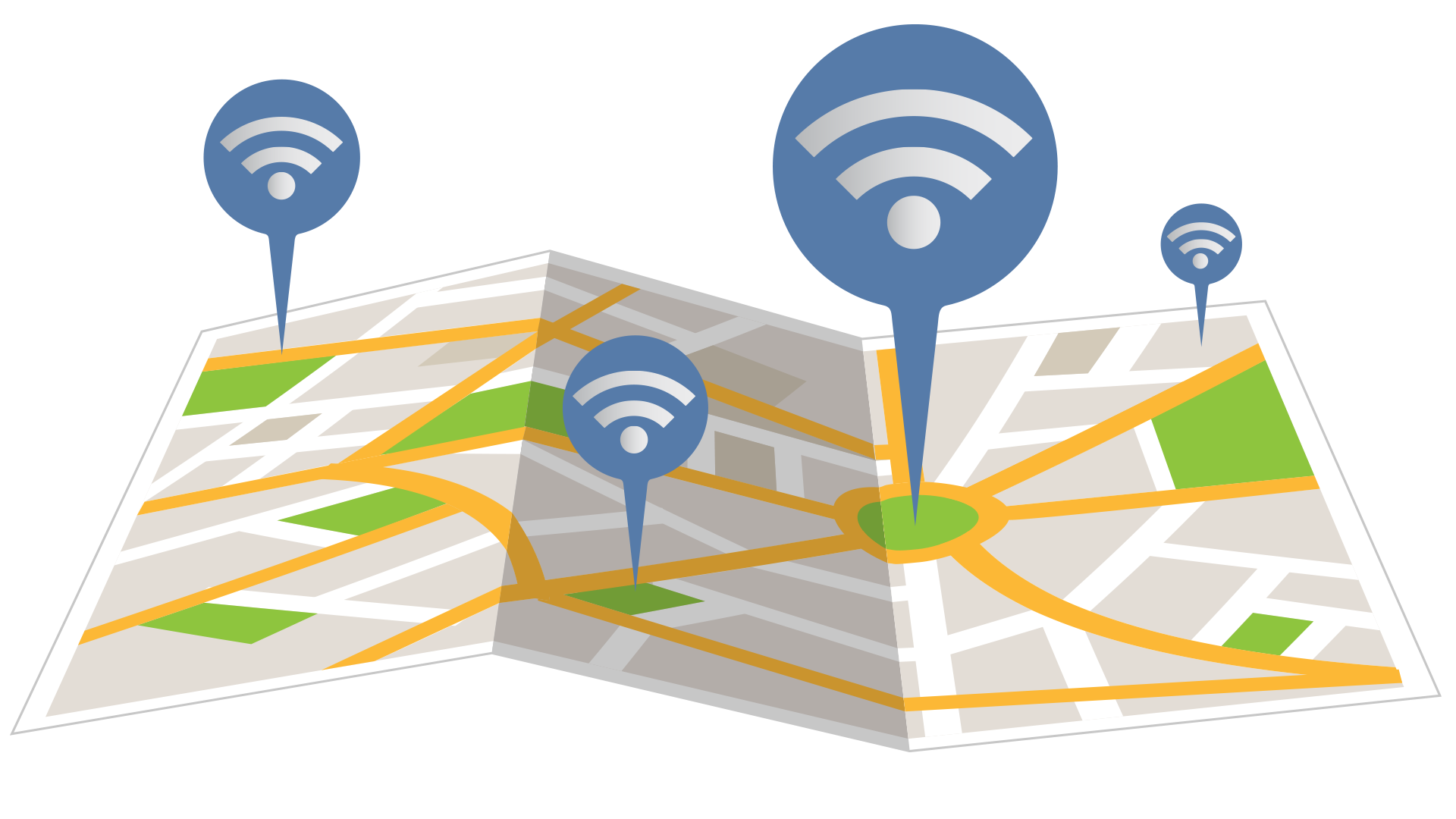
Create a Different WiFi Experience for Every Location

Different locations often serve different users and require different WiFi experiences.
A hotel can provide complimentary Guest WiFi in the lobby, PMS-based authentication in guest rooms and separate access policies for conference areas.
A retail chain can use different Splash Page branding, promotions and surveys in individual stores while maintaining centralized administration.
Restaurants and cafes can promote location-specific offers, while universities, hospitals and other organizations can apply different Internet policies to individual buildings or public areas.
WiFi Locations can also be used to assign different Internet Plans, campaigns and access settings to selected parts of a larger venue.
This allows administrators to maintain centralized control while adapting the Guest WiFi experience to the purpose of each location.

Centralized Multi-Location Management
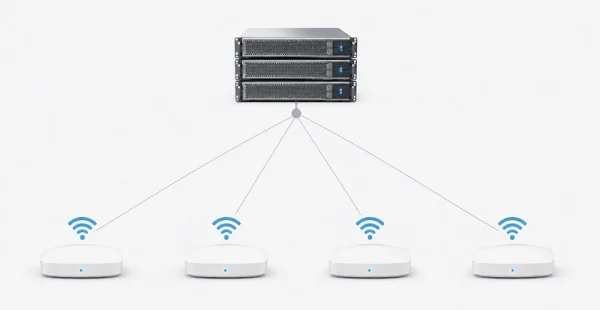
Whether WiFi Hotspot is cloud-hosted or deployed on-premise, administrators can manage multiple WiFi Locations from one centralized platform.
Each location can maintain its own Splash Pages, Internet Plans, access policies, surveys and campaigns while remaining part of the same managed WiFi environment.
This makes it easier to maintain consistent administration across hotels, stores, restaurants, campuses, branches and other multi-location organizations without applying identical settings everywhere.
Cloud or On-Premise Deployment
Choose the Deployment Model That Fits Your Network
WiFi Hotspot supports both cloud-hosted and on-premise deployment for organizations managing one or multiple WiFi locations.
Our Customers

